Create an account and a profile
-
Open the dashboard and choose Sign up. Enter an email address and a password of 12 to 128 characters; a meter under the field estimates how easy it is to guess, but only the length is required (Password rules). opdns sends a verification link to that address; it works once and expires after 24 hours.
-
Open the link in the email to verify the address, then sign in.
-
Add a second factor under Account → Security. A passkey is the primary credential; an authenticator app (TOTP) works too. The first second factor also gives you ten single-use recovery codes. Store them somewhere safe. See Account security.
-
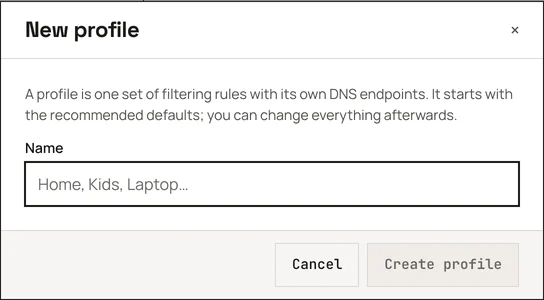
Create a profile. Give it a name you will recognise, for example Home or Kids. The dashboard assigns its 6-character id.
-
Open the profile’s Setup page. It shows the profile’s DNS-over-HTTPS address in large type and every other endpoint below it. Continue with Your endpoints.